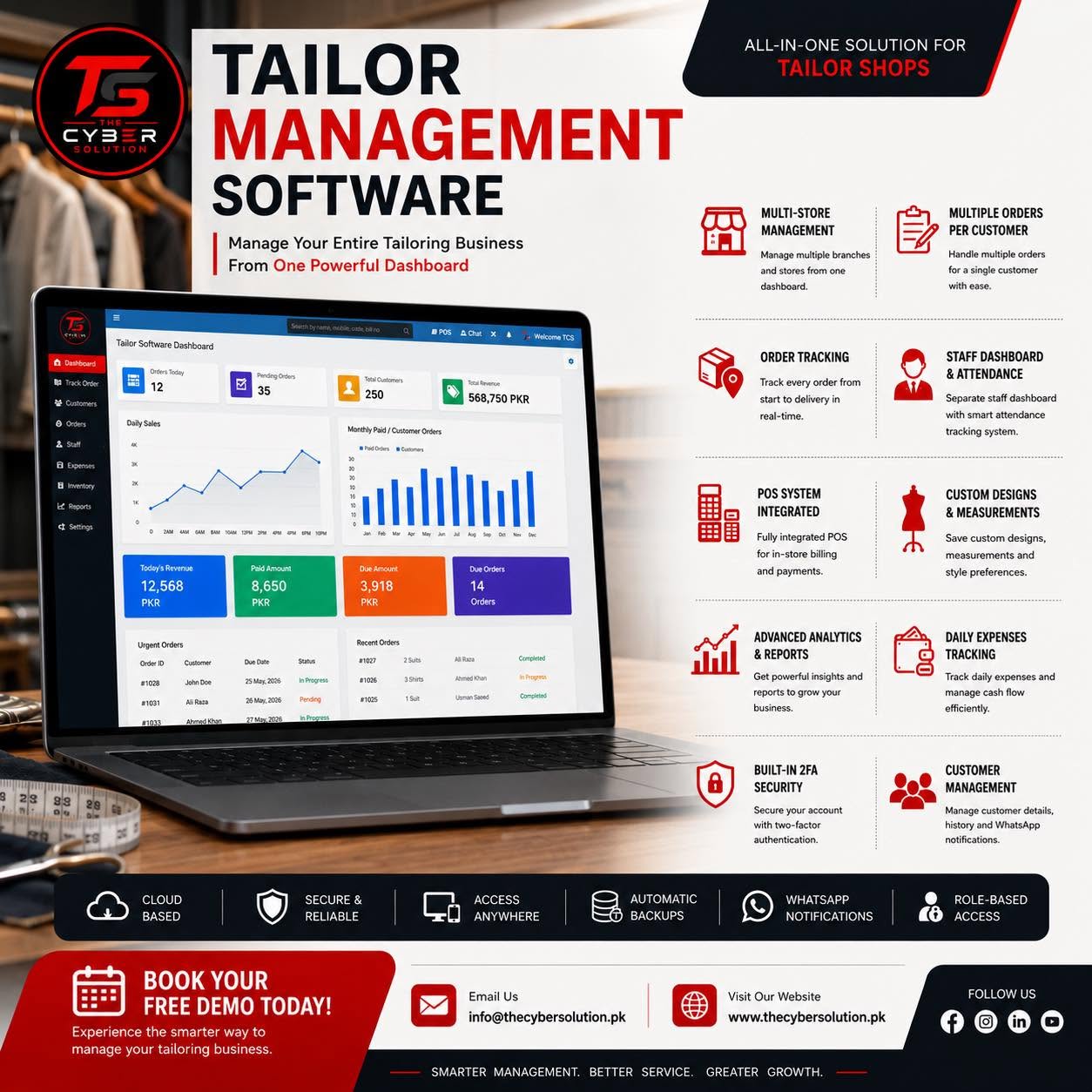
Tailor Software: Streamlining Tailoring Businesses with Ease
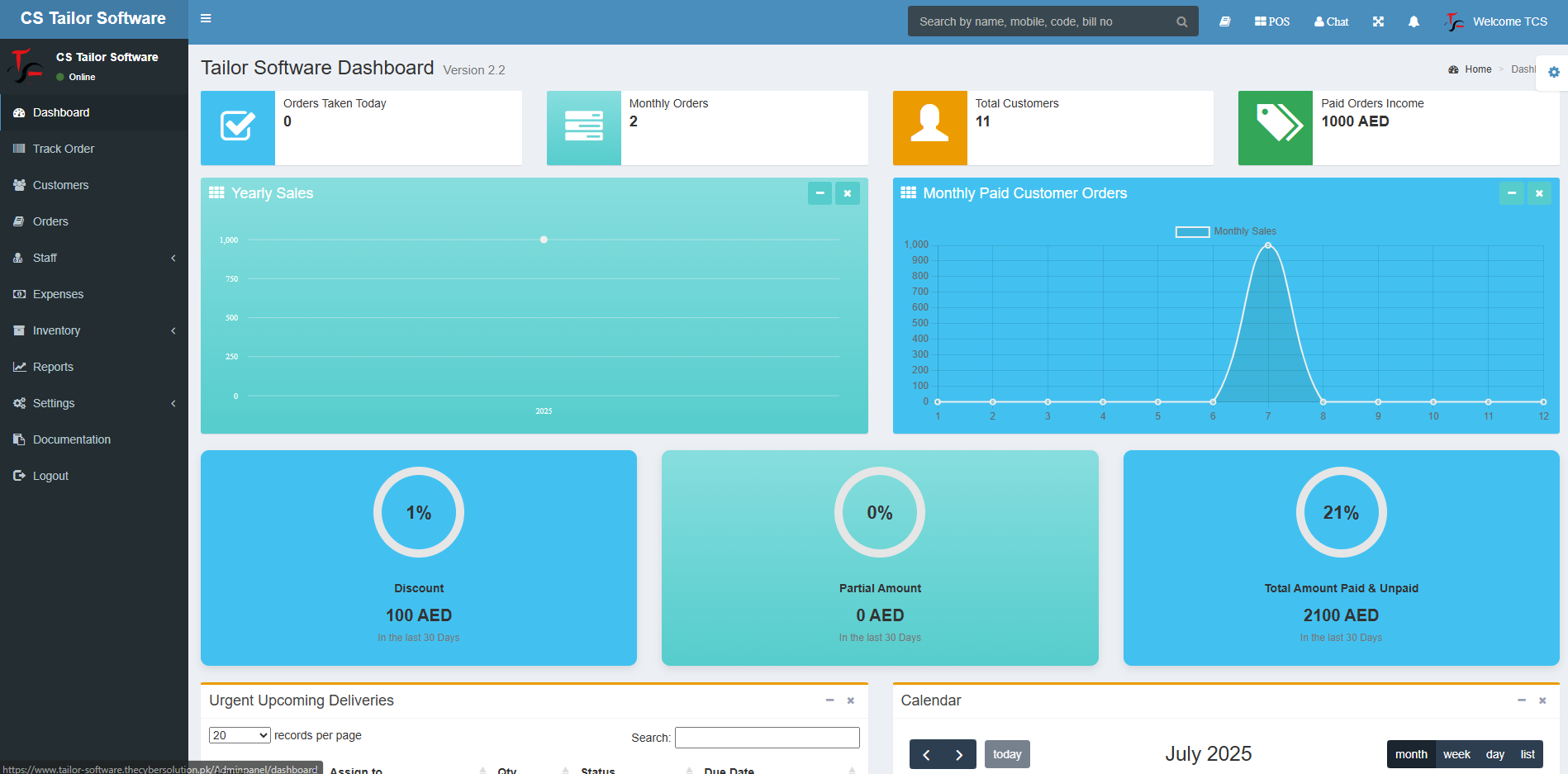
As a tailor, managing the intricate details of customer orders, inventory, staff, and more can become overwhelming. With advancements in technology, tailor businesses now have access to specialized software that can handle these complexities efficiently. The Tailor Software Dashboard is designed to simplify operations, making your business run smoothly, increase productivity, and provide better customer service.
1. Dashboard: A Glimpse of Your Business Operations
The Dashboard is the heart of the software, offering a real-time overview of your tailoring business. It displays key metrics such as the number of active orders, revenue, pending tasks, and more. This centralized view helps business owners and managers track operations at a glance without having to dig into individual sections.
Key Features:
-
Quick access to important data
-
Customizable widgets to highlight what matters most
-
Alerts and notifications for pending tasks or issues
2. Track Order: Keep Customers Informed
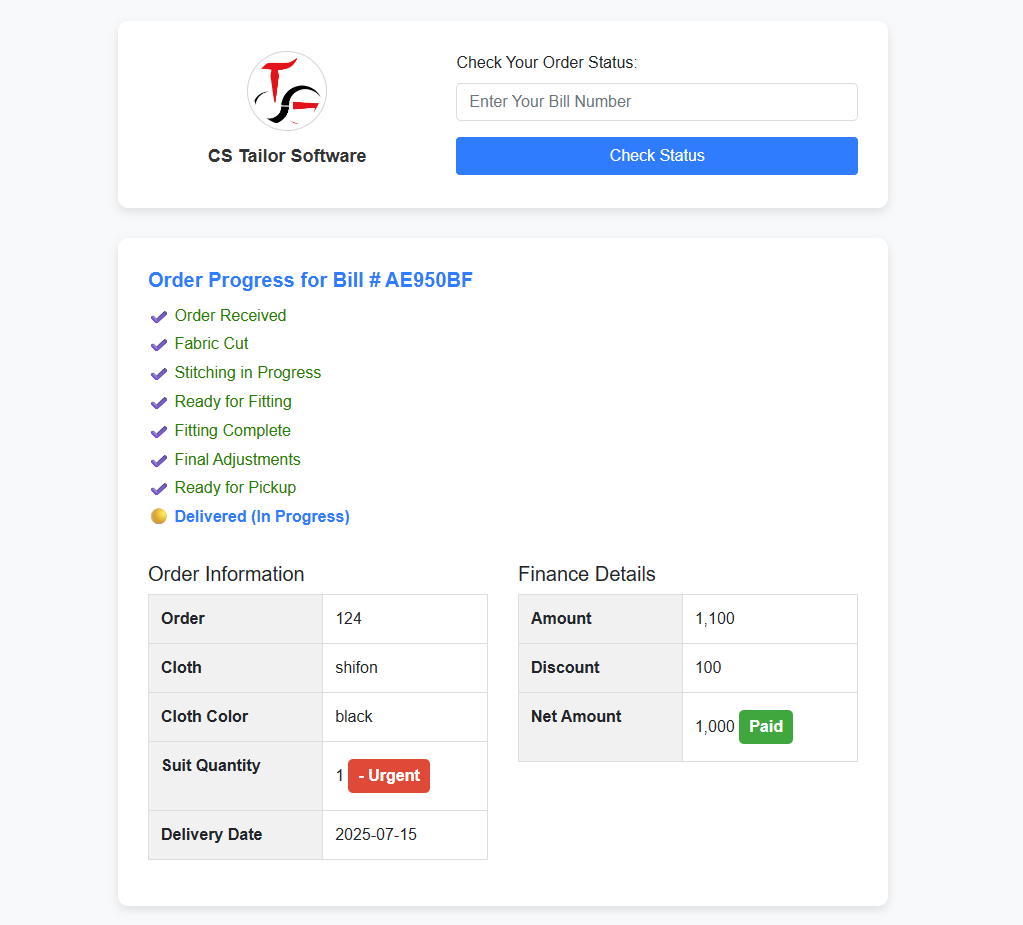
Tracking customer orders has never been easier. The Track Order feature allows both customers and staff to see the status of any given order. Whether the order is in the design phase, being stitched, or ready for delivery, customers can check updates in real time.
Key Features:
-
Order status updates: Pending, In Progress, Ready for Pickup, etc.
-
Communication between customer and tailor regarding special requests
-
Automated notifications for customers on order completion or delays
3. Customers: Build Stronger Relationships
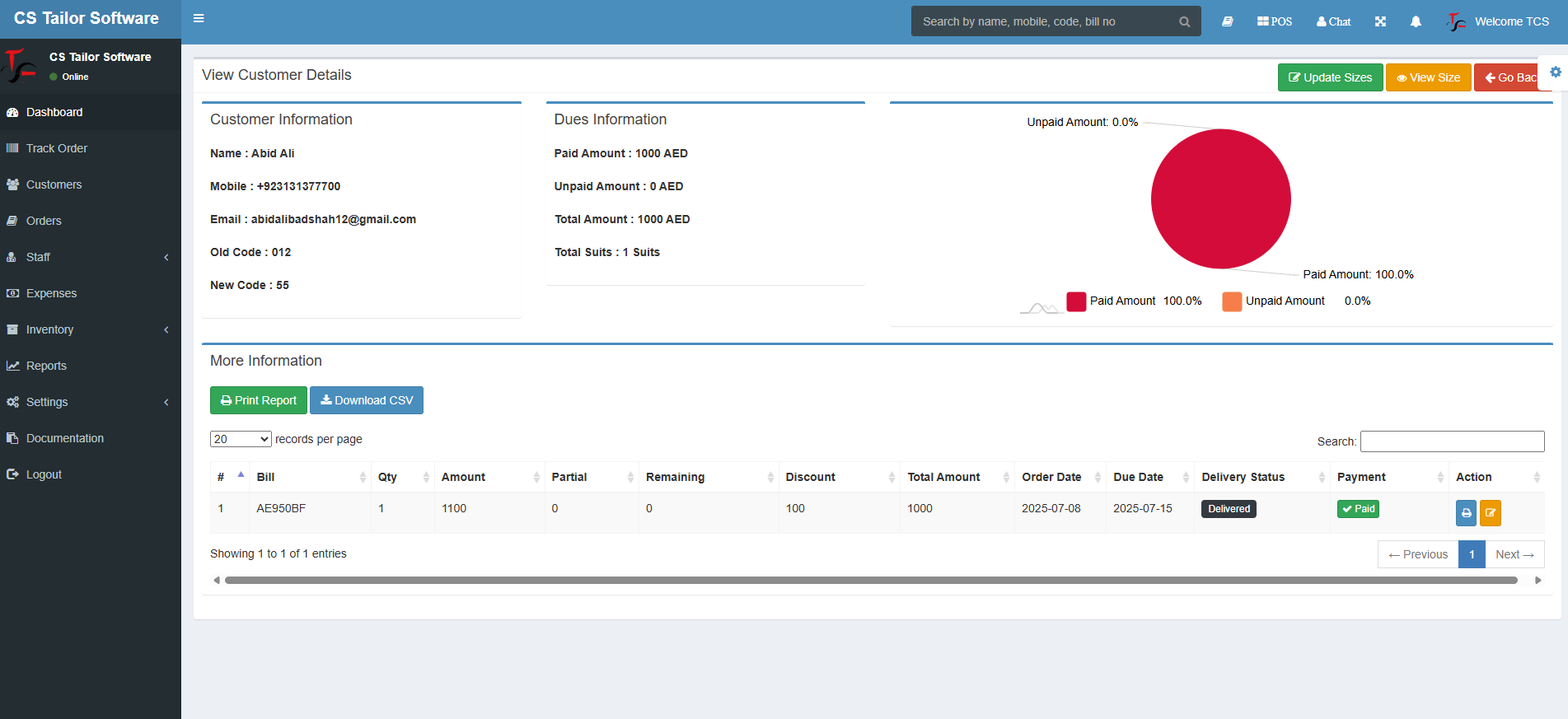
Building a strong relationship with customers is key to any tailor business. With the Customers section, you can store and manage client profiles, keeping track of their preferences, measurements, past orders, and special requests. This makes it easy to offer personalized service and enhance customer satisfaction.
Key Features:
-
Customer profile management
-
Store measurements, fabric choices, and past designs
-
Send personalized notifications and promotional offers
4. Orders: Streamline Order Management
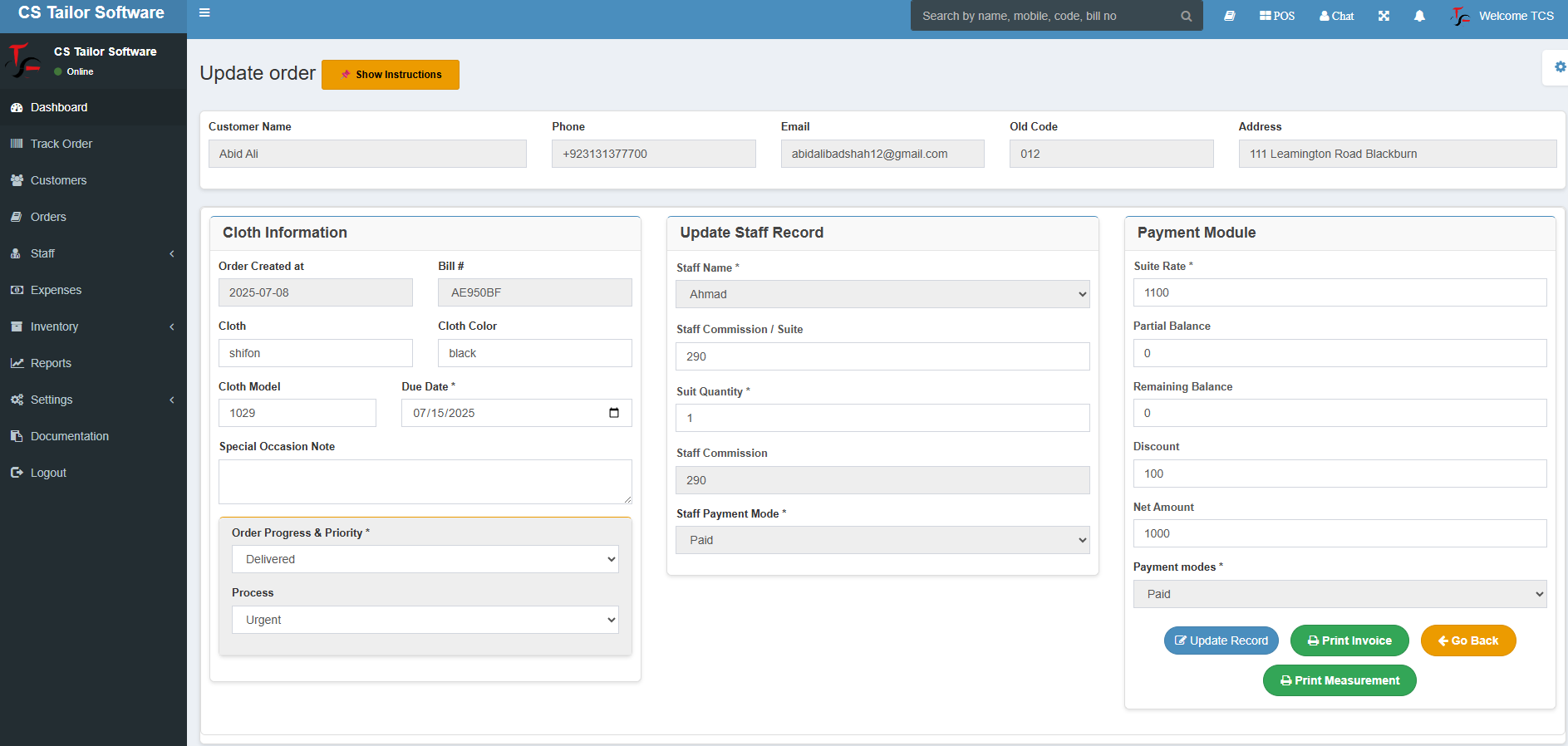
Managing orders efficiently is critical in a tailoring business. The Orders section lets you create, modify, and track orders with ease. You can assign each order to a specific staff member, set deadlines, and update the status as progress is made. This feature ensures nothing falls through the cracks.
Key Features:
-
Order creation with custom fields for measurements and design details
-
Assign staff to specific tasks
-
Track order progress with timestamps
-
Generate invoices and receipts automatically
5. Staff: Manage Your Team Effectively
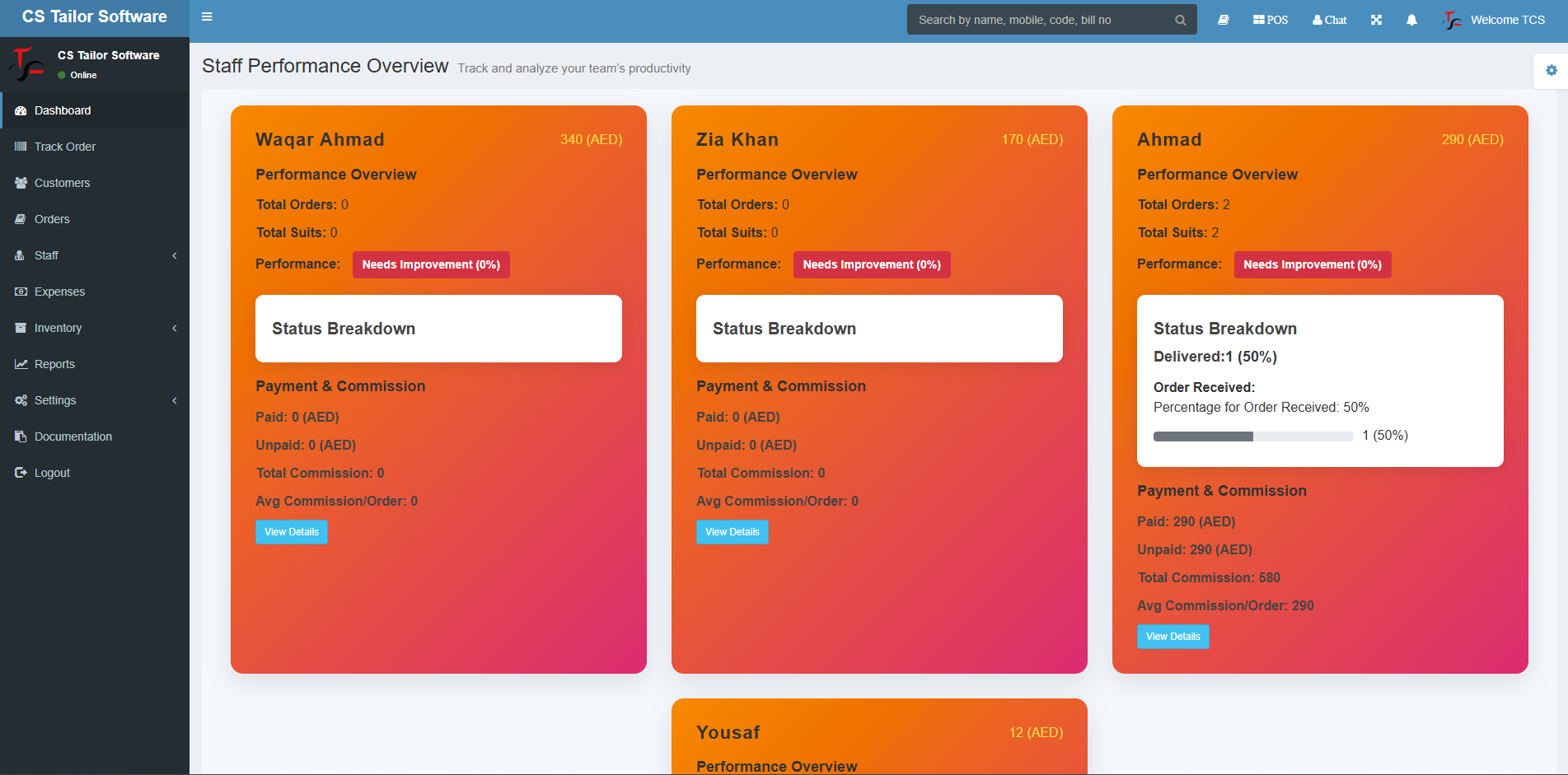
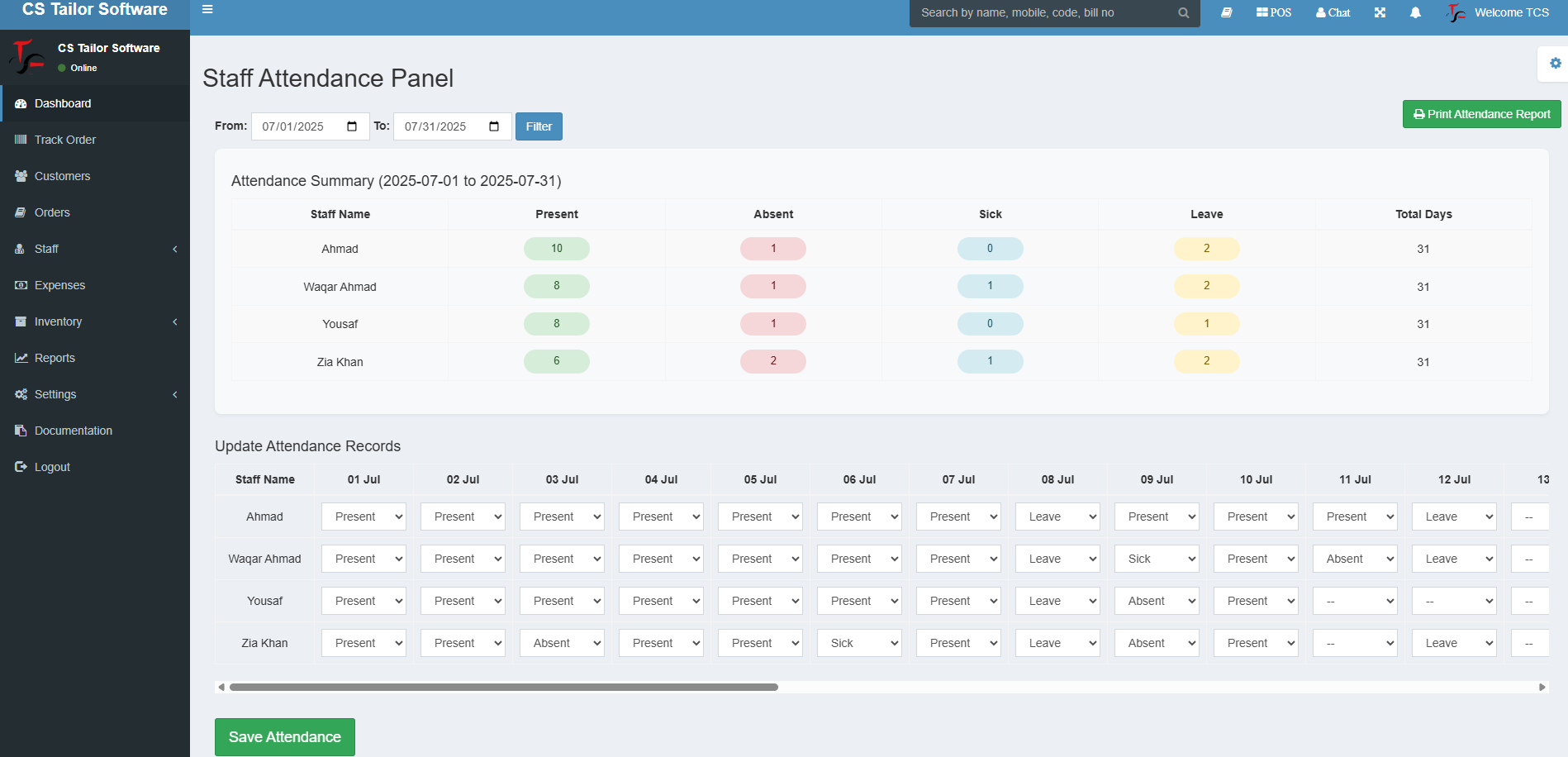
Managing a team of tailors and administrative staff can be a challenge. The Staff section enables you to oversee team assignments, monitor performance, and track working hours. You can assign specific orders to team members based on skill set or availability.
Key Features:
-
Staff scheduling and task assignments
-
Performance tracking and reporting
-
Payroll integration for easy salary calculations
6. Expenses: Keep Financials in Check
The Expenses feature helps you monitor your business’s spending. Track costs related to fabric, thread, staff wages, rent, utilities, and other overheads. With detailed reports, you can identify areas to reduce costs and increase profitability.
Key Features:
-
Track daily, weekly, and monthly expenses
-
Categorize expenses (materials, labor, overheads)
-
Generate financial reports for better decision-making
7. Inventory: Never Run Out of Stock
The Inventory section ensures you never run out of fabric, tools, or other necessary materials. It helps you track stock levels, manage reorders, and avoid overstocking. You can also see which materials are frequently used, helping you make smarter purchasing decisions.
Key Features:
-
Track material stock levels and supplier details
-
Set low-stock alerts
-
Manage purchases and supplier relationships
8. Reports: Analyze and Improve
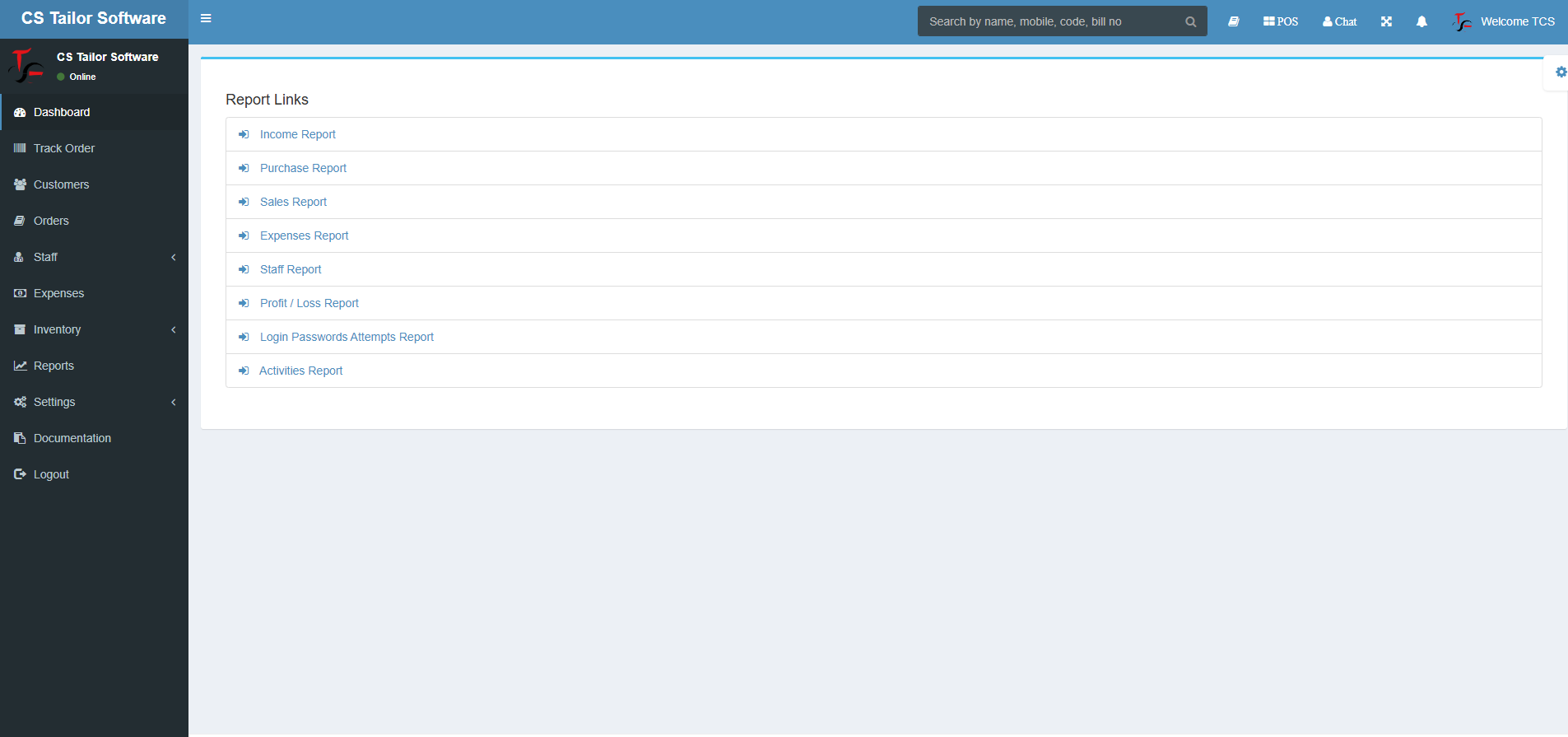
The Reports feature gives you insights into your business performance, from sales data to order completion rates. Use these reports to spot trends, identify bottlenecks, and make informed decisions that can help your business grow.
Key Features:
-
Customizable reports on
- Income Report
- Purchase Report
- Sales Report
- Expenses Report
- Staff Report
- Profit / Loss Report
- Login Passwords Attempts Report
- Activities Report
-
Real-time data analytics
-
Historical trends for long-term planning
9. Settings: Tailor the Software to Your Needs
The Settings section allows you to configure the software according to your business needs. You can set up payment methods, tax rules, branding, and customize the software interface to match your business’s theme.
Key Features:
-
Set up payment methods and tax rates
-
Customizable branding options
-
Define business-specific parameters
10. Documentation: Help When You Need It
The Documentation section provides you with all the resources you need to make the most of your tailor software. Whether you need a guide for setting up a new feature or troubleshooting an issue, you can find all the information in one place.
Key Features:
-
User guides and tutorials for easy onboarding
-
Troubleshooting FAQs
-
Access to customer support
Conclusion: Simplify Your Tailoring Business
Tailor Software is a complete tool for running a successful tailoring business. With features that cover everything from order tracking to inventory management, this software will save you time, reduce errors, and help you focus on what matters most—your customers and your craft.
Ready to take your business to the next level? Get started with Tailor Software today!